Choose a background
Upload your gameplay screenshot or pick one of four original starter backgrounds.
FOR GAME DEVELOPERS
Make a game cover from your screenshot or a starter background. Add and position title text, then download in your chosen size.
LOCAL IMAGE EDITOR
Upload a PNG, JPG, or WebP screenshot or choose a Starter background below. Add title text, then export your cover.
Original background artwork you can edit without uploading a screenshot.
Drag text directly on the image. Use the arrow buttons for small adjustments.
AI image generation is coming soon.
01 / PROCESS
Start with your own gameplay image or a ready-to-edit background. Finish the cover in your browser.
Upload your gameplay screenshot or pick one of four original starter backgrounds.
Add up to three text layers, choose a font and colors, and drag the words into place.
Choose a thumbnail or icon size, then export a PNG or JPG.
02 / FORMAT
Choose the format that matches where your artwork will appear.
Wide cover for a game experience
Square image for a game icon
03 / INSPIRATION
Original illustrations show how color, depth, and a focal point can change a cover's mood.
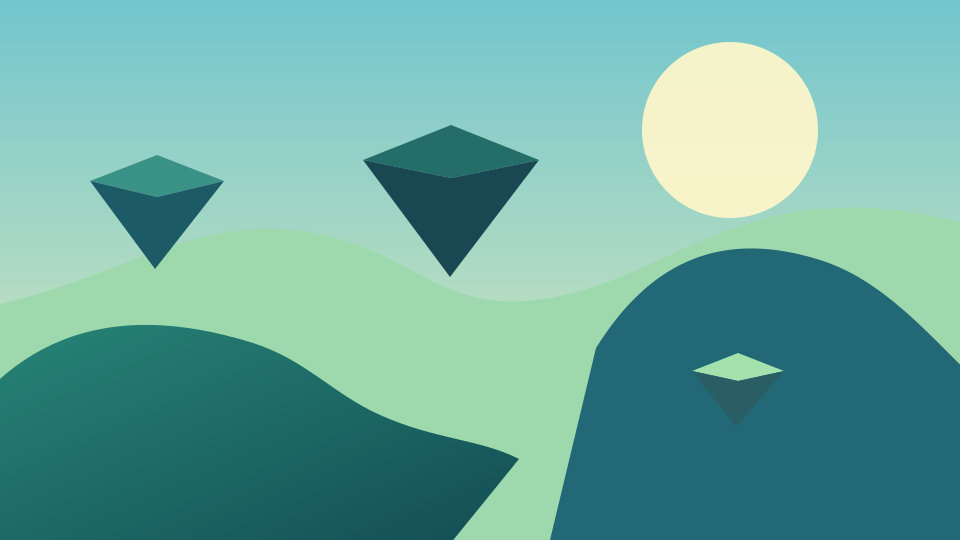
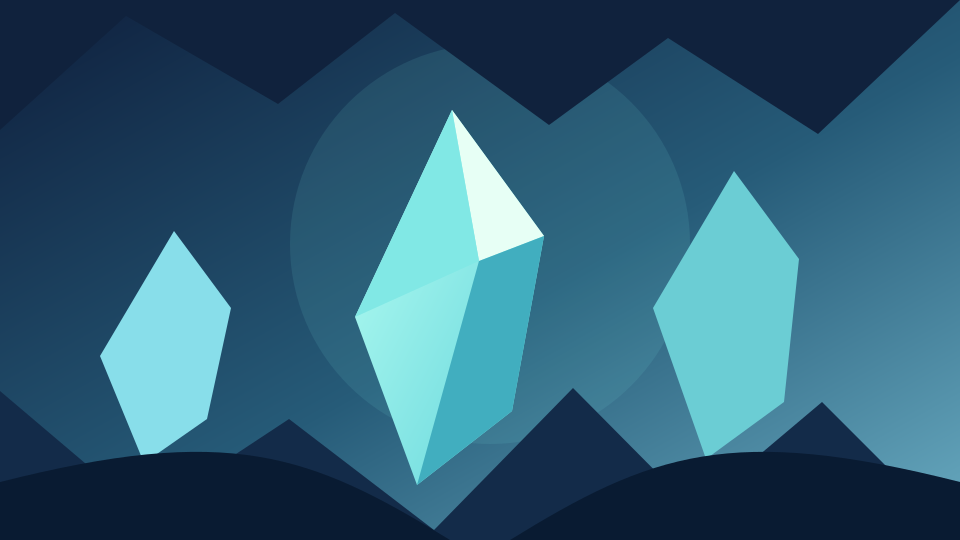
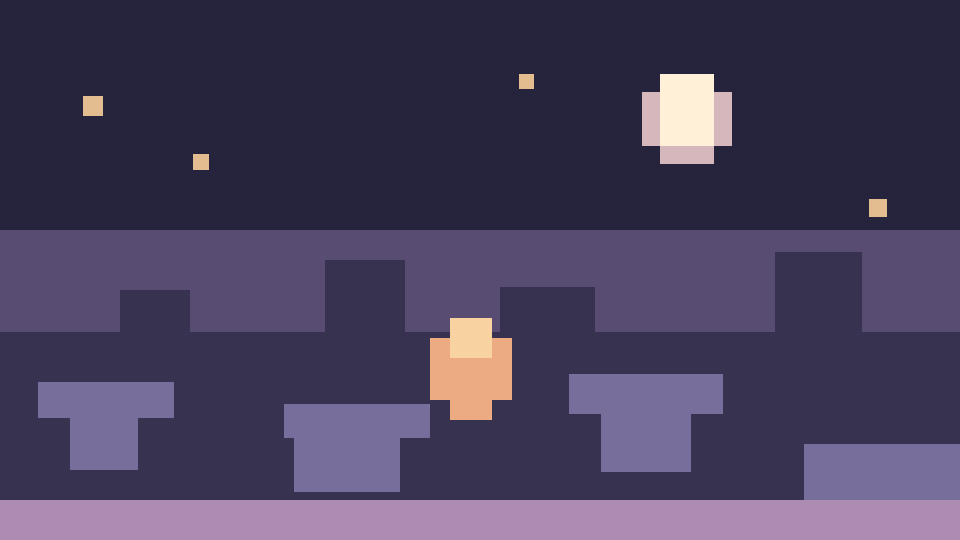
These are original composition examples, not Roblox game screenshots.
05 / ANSWERS
Answers about backgrounds, uploads, image sizes, and downloads.
This is an editor for making Roblox covers from your own gameplay screenshot or a starter background. Add title text and export at Roblox thumbnail or icon sizes. AI image generation is not available yet.
Choose Thumbnail to export at 1920 × 1080 pixels, or Icon for a square 512 × 512 pixel image.
Yes. Upload a PNG, JPG, or WebP screenshot up to 10 MB, add and position title text, then export a PNG or JPG.
Yes. Choose one of the four Starter backgrounds, then add your title text and adjust the cover before downloading it.
No. Screenshot editing and export happen in your browser. Your uploaded image is not sent to our server.
Yes. Drag text on the image with your finger, or use the four direction buttons for smaller adjustments.
No. This independent editor is not affiliated with Roblox Corporation. Use screenshots and artwork you have the right to use.